
Green Project · Staff product designer
Designing a decarbonization marketplace from zero
How I led discovery, shaped product strategy, and shipped a marketplace that closed a partnership with an aviation company — while working solo across two continents.
US team
UK team
Design team
ACT Group (parent company)
The problem
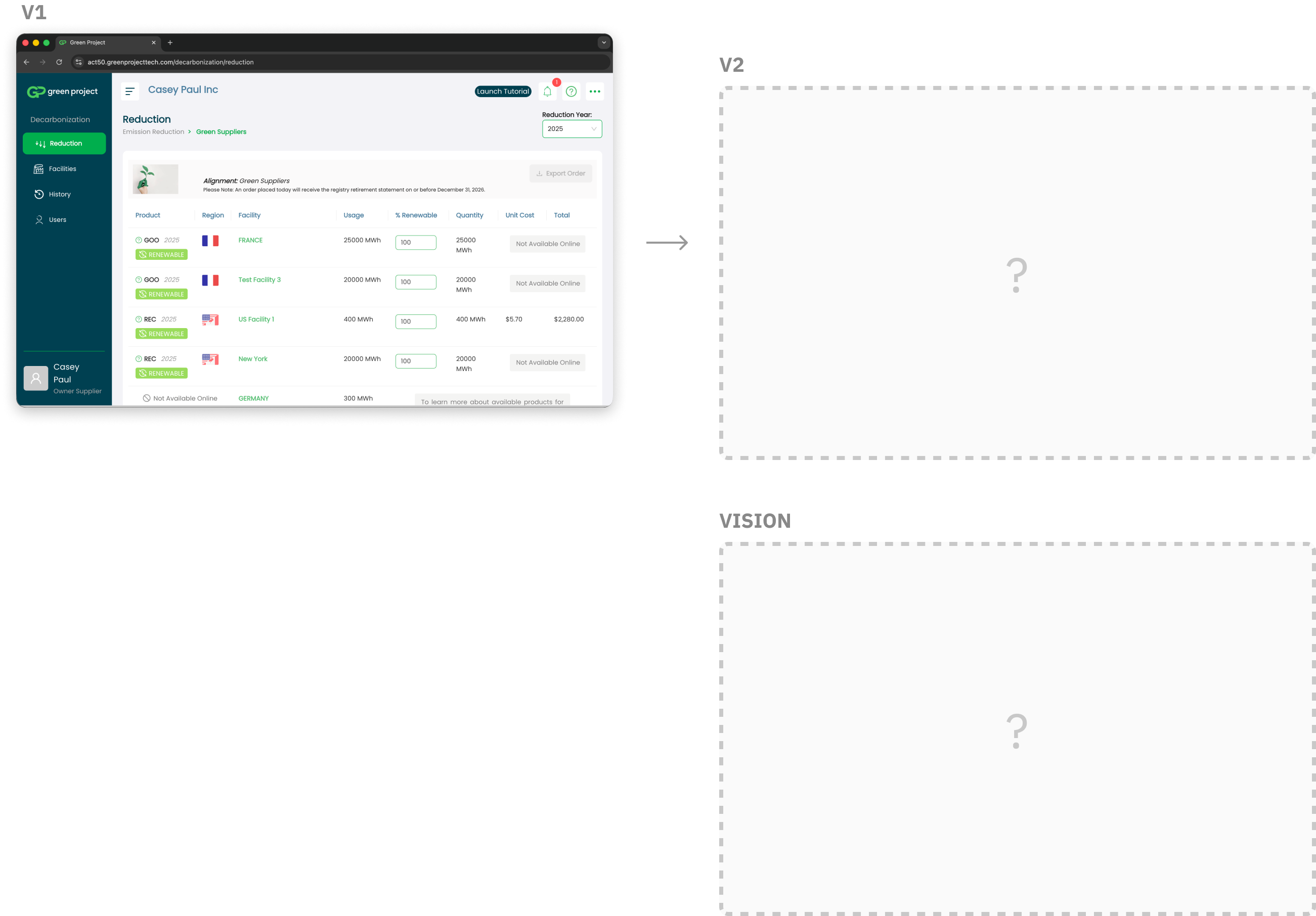
A v2 migration: a once-only window to get the foundations right — with a team I'd never worked with before
The US team was mid-migration from v1 to v2 of their products. They were finishing the migration of their carbon accounting product, and the marketplace one would be next. It was a natural moment to rethink the design — to build something with higher conversion, a more intuitive experience than v1, and a system that would stand the test of time.
But there was no discovery time allocated, no shared vision, and I was parachuting in to work with a US-based team for the first time.
Adding to the complexity, the Marketplace serves four distinct personas — each with a different driver and different available data:
- Sustainability Managers — already using our corporate carbon accounting product; already have electricity data in the platform
- Suppliers — coming from our supply chain engagement product to fulfil customer requests; varied ages, varied tech adoption, no electricity data in the platform
- ACT Referrals — coming from our trading arm, primarily to execute a transaction; we don't need their electricity data
- Partner Users — arriving via third-party partners; we are not allowed to show or upsell other parts of the platform
Design leadership
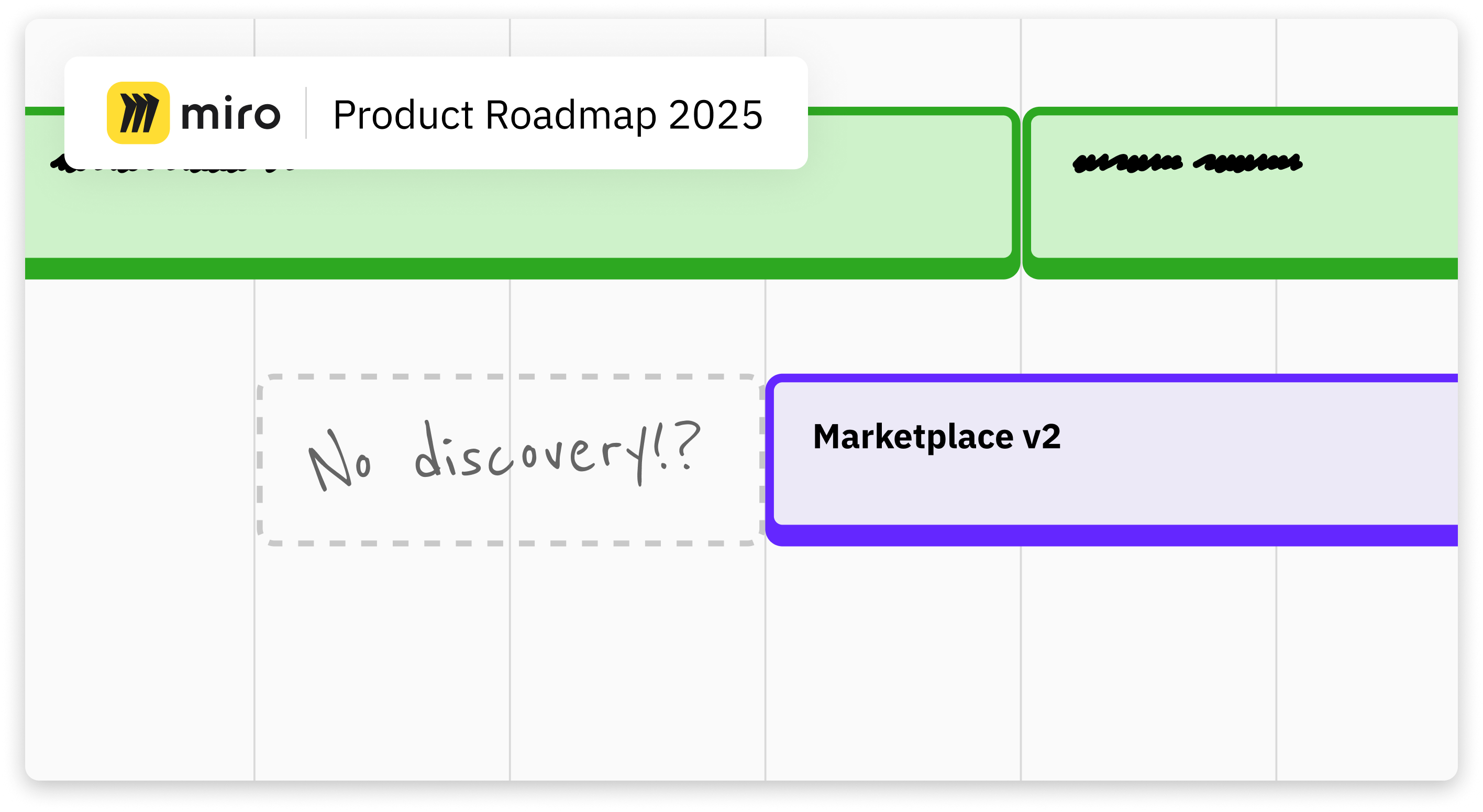
I created the conditions for good design: I influenced starting discovery early and aligning on a long-term vision
My approach to new product areas follows a consistent principle: think big, start small. Establish a shared vision first, then carve out the smallest meaningful slice to build from. In my experience, this yields systems that scale, patterns that get reused, and a north star that makes every subsequent decision easier to make.
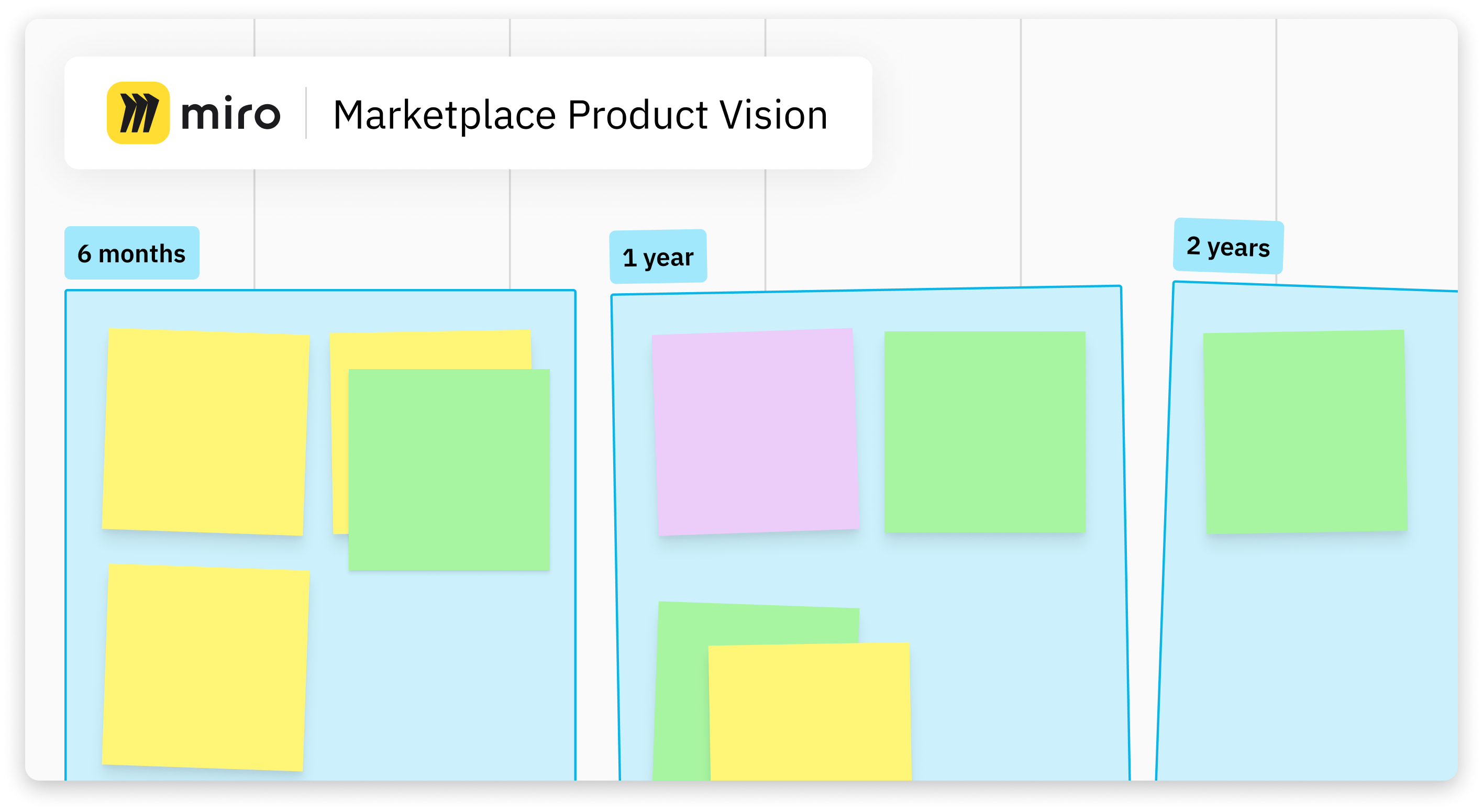
I made the case in a company-wide leadership meeting: if we didn't start discovery early, we'd ship a lower-conversion product built on shaky foundations — and engineers would hit build kickoff with no specs, no direction, and a designer still iterating to catch up. The real cost was building twice. Leadership agreed. I then pushed for a long-term vision workshop, which the marketplace PM ran.
Systems thinking
I mapped an entirely new domain before touching a design tool
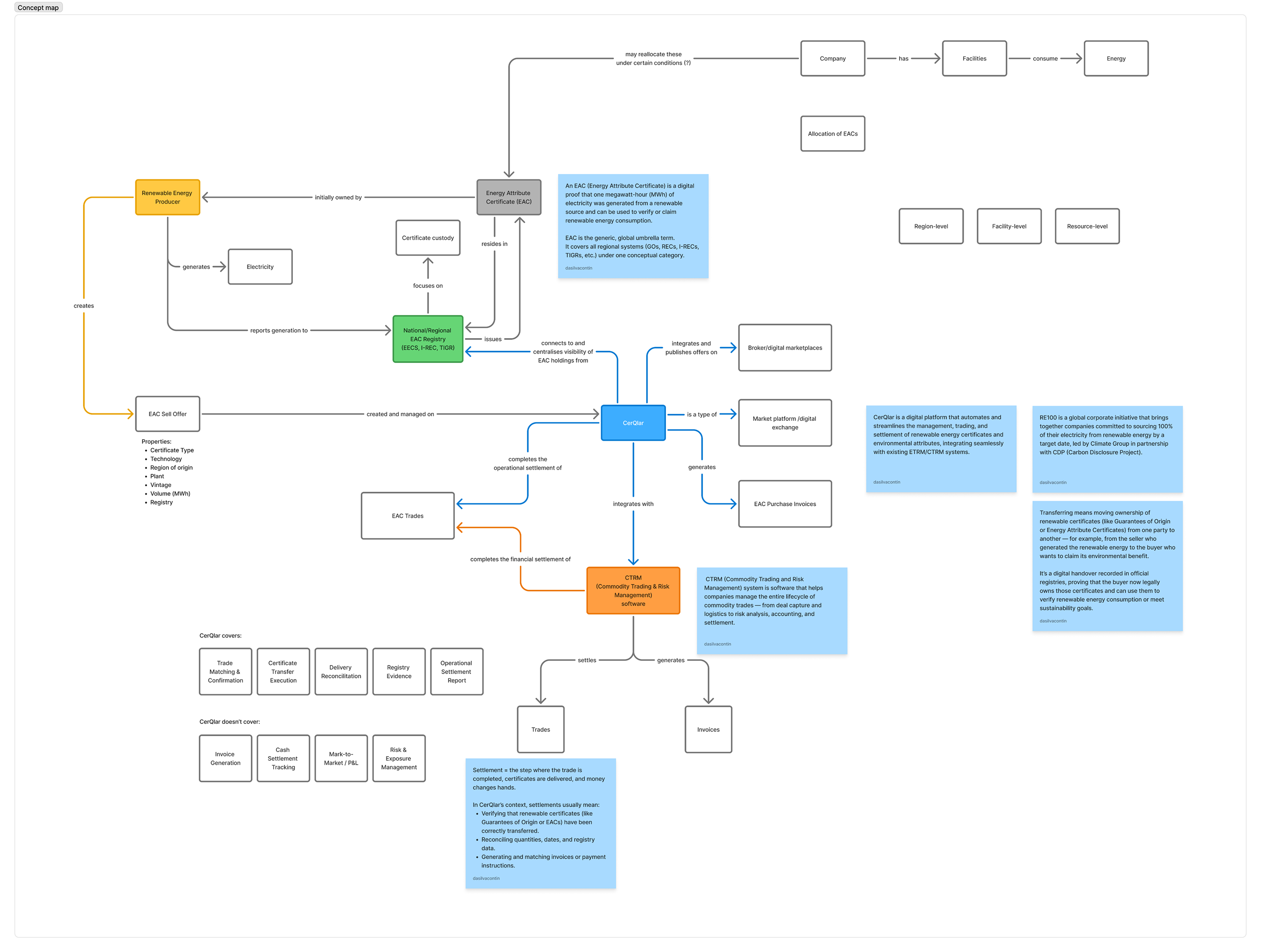
Renewable energy certificates were completely new to me. Before any wireframe, I independently mapped the domain — objects, attributes, relationships, and calls-to-action — learning what I could without using a colleague's time.
Risk-led discovery
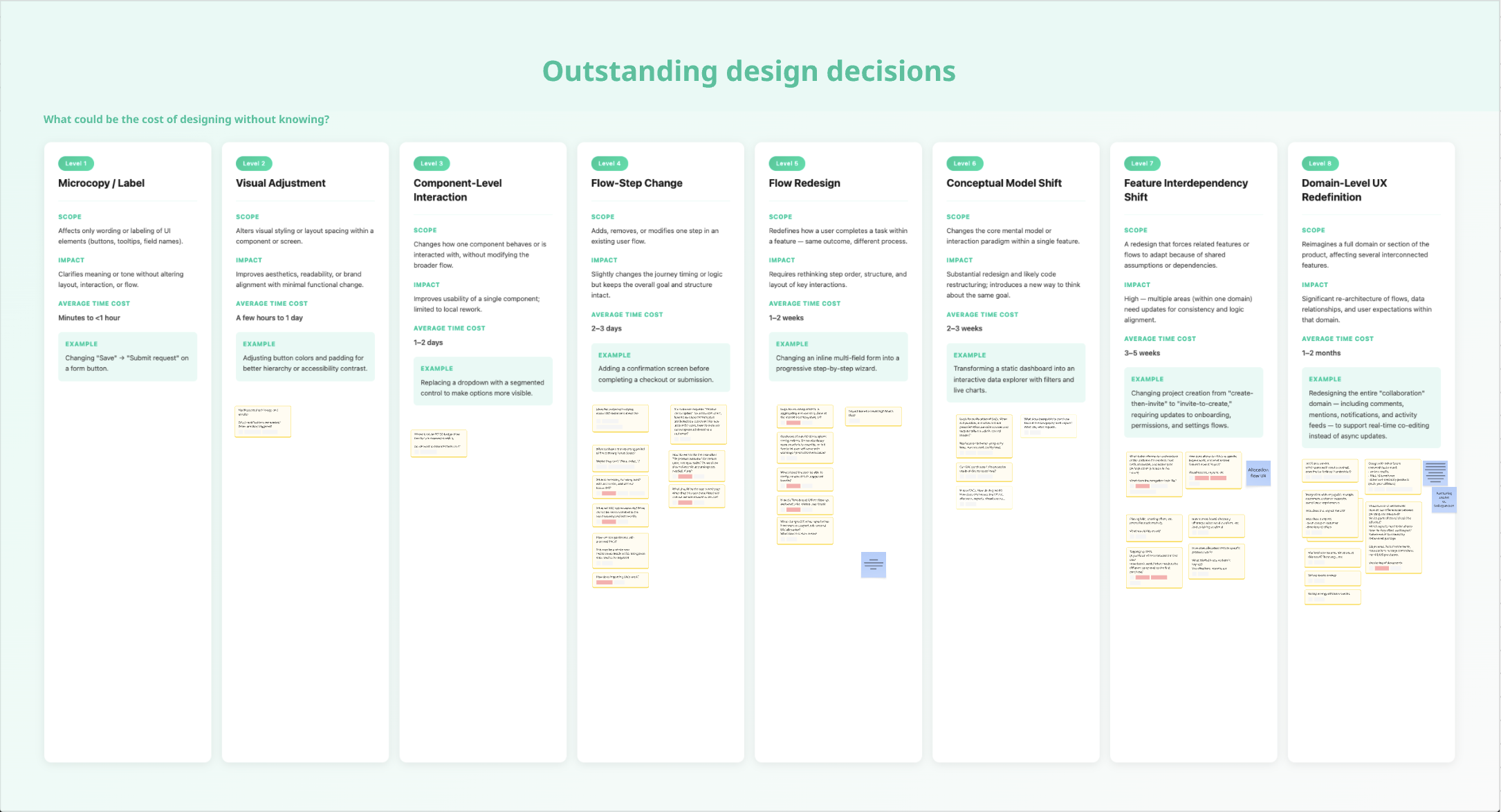
I sorted every unknown by blast radius and drove discovery accordingly
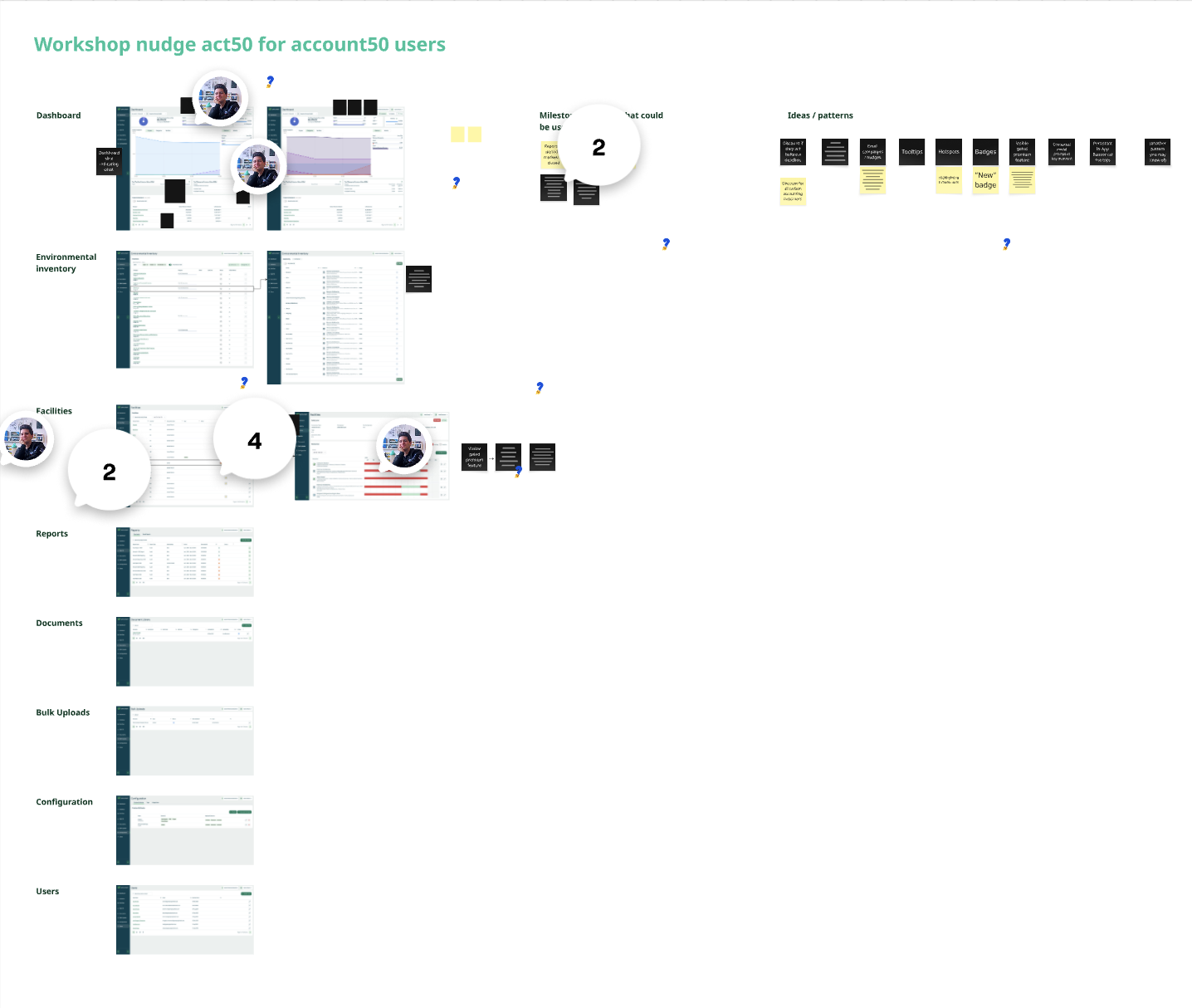
I captured every open question on a Miro board and ranked them by how much rework a wrong answer would cause. The most foundational unknowns — the ones that would force a redesign if answered late — I resolved first. I used this to structure recurring sessions with the PM and PO, called out missing jobs-to-be-done in the PRD, created the out-of-scope section, and pushed for alignment on what slice 1 would and wouldn't include.
Cross-timezone collaboration
I kept two continents aligned, autonomously
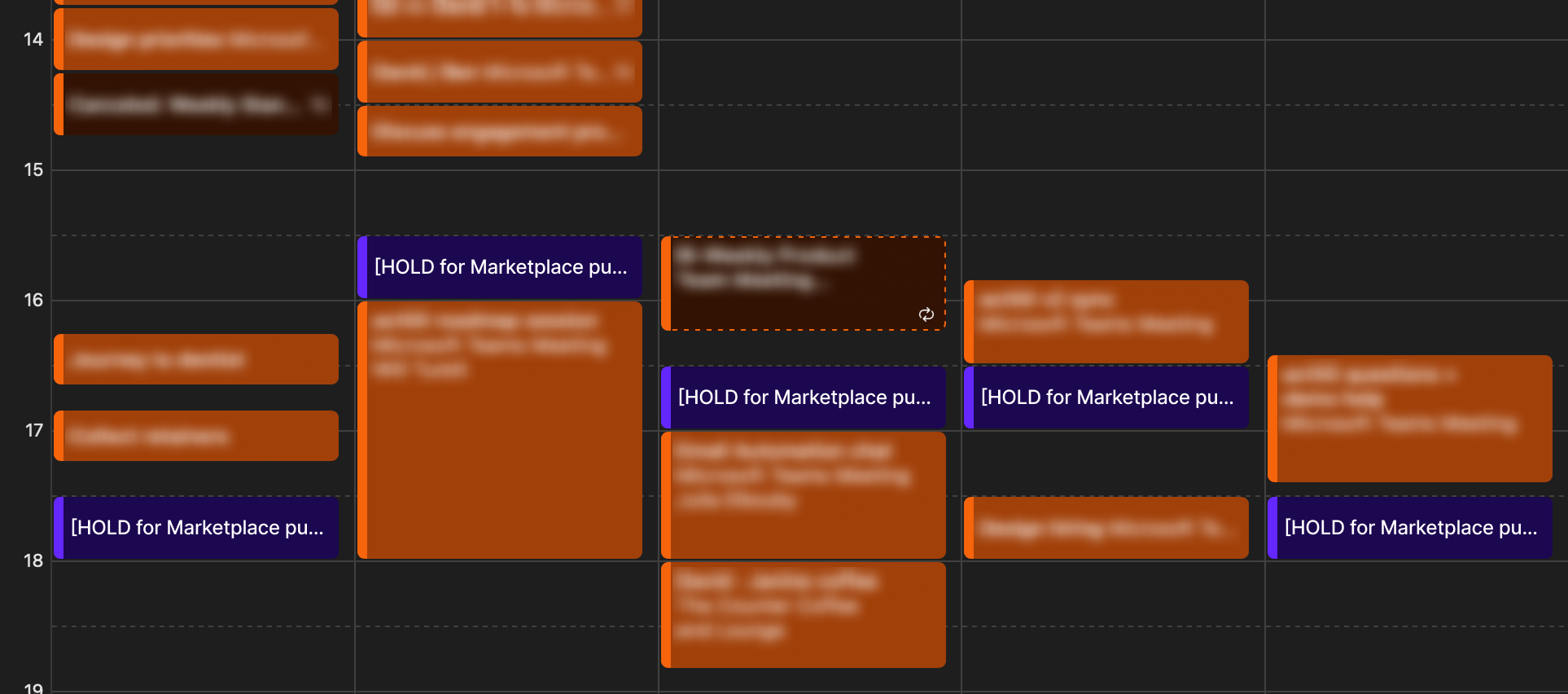
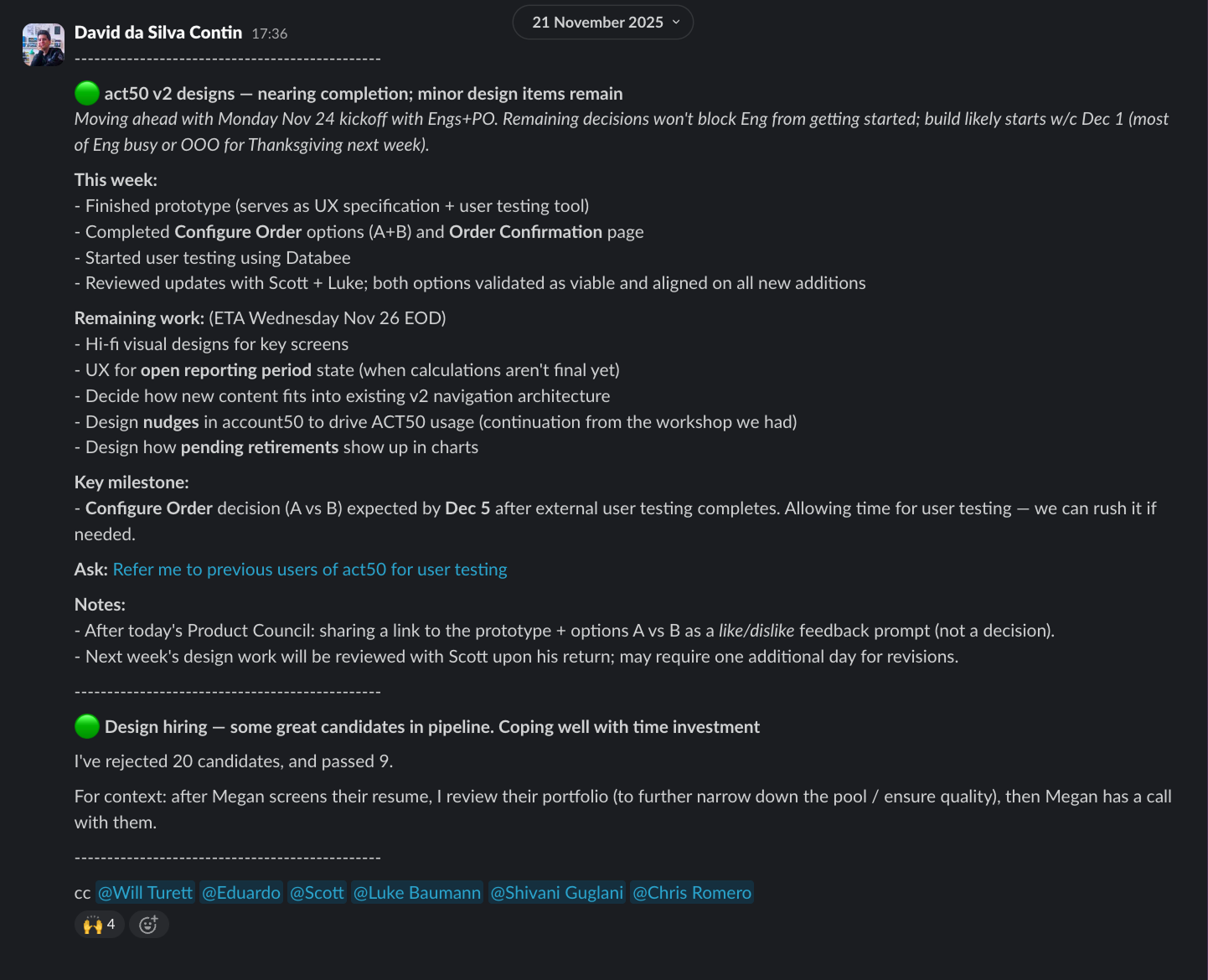
Working from the UK with a US team meant a narrow daily overlap window. In week one, I booked daily reserved time blocks — not meetings, just protected space for questions or workshops whenever I needed them. I published weekly Slack updates so anyone could stay across the design direction without a meeting. The PM never had to chase me.
Vision & Direction
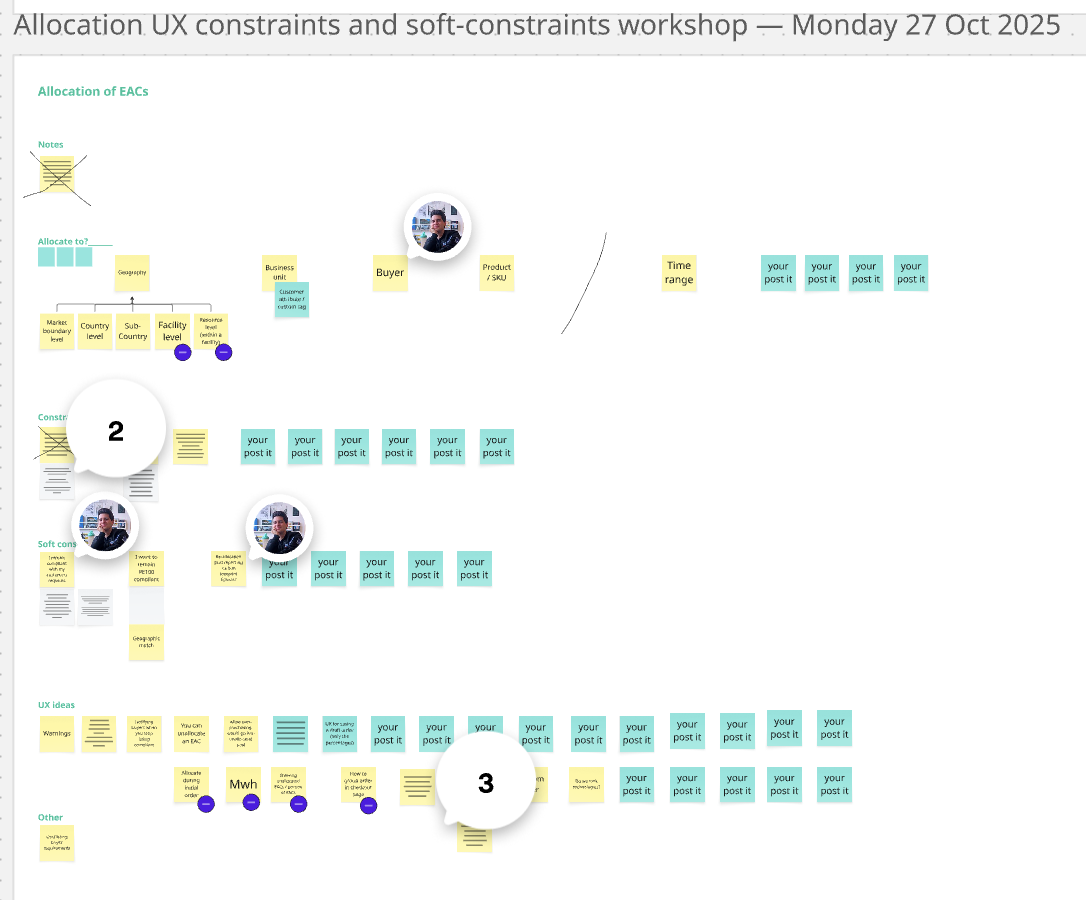
I diverged, prototyped, and aligned stakeholders on a long-term and short-term UX direction
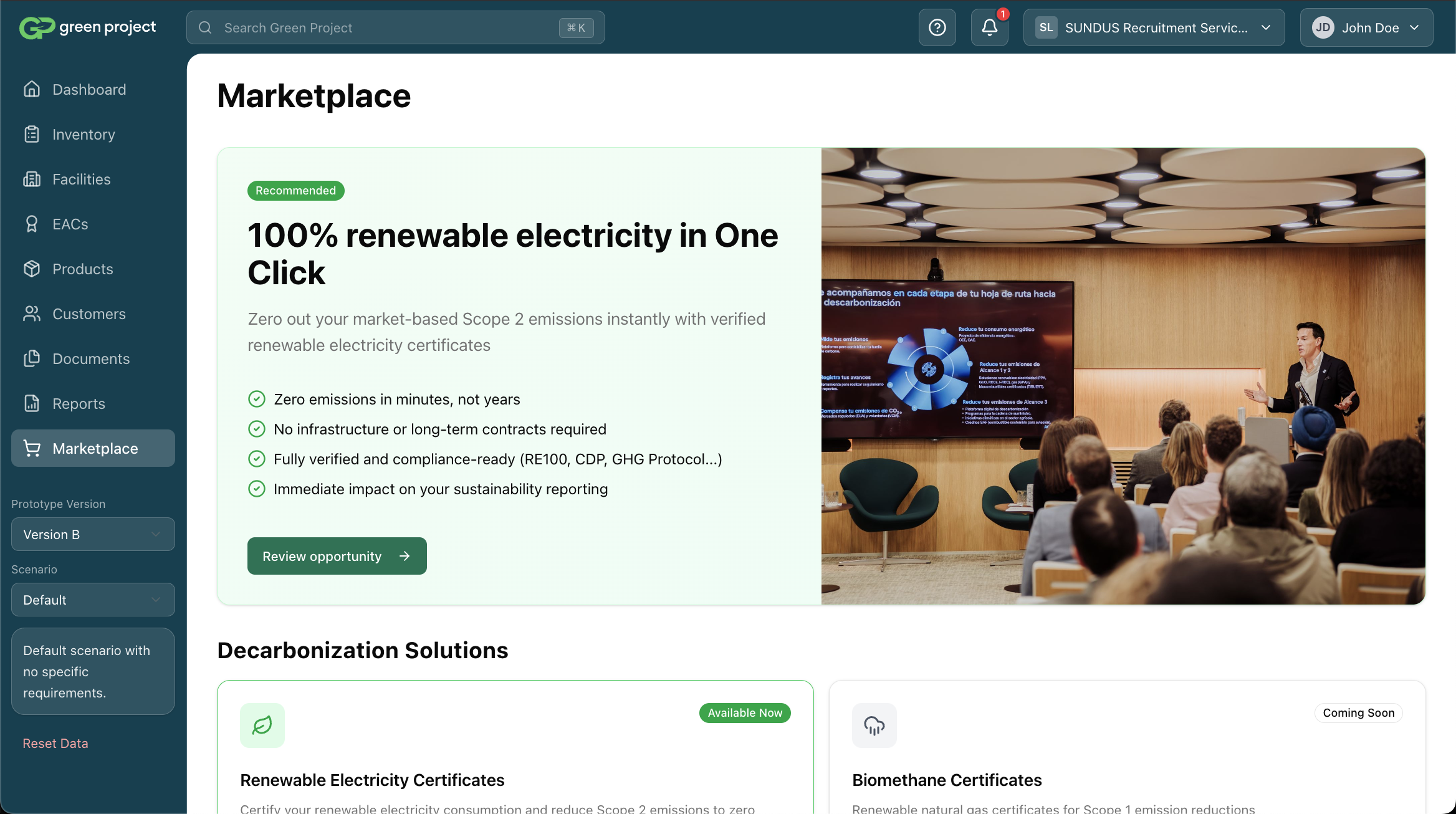
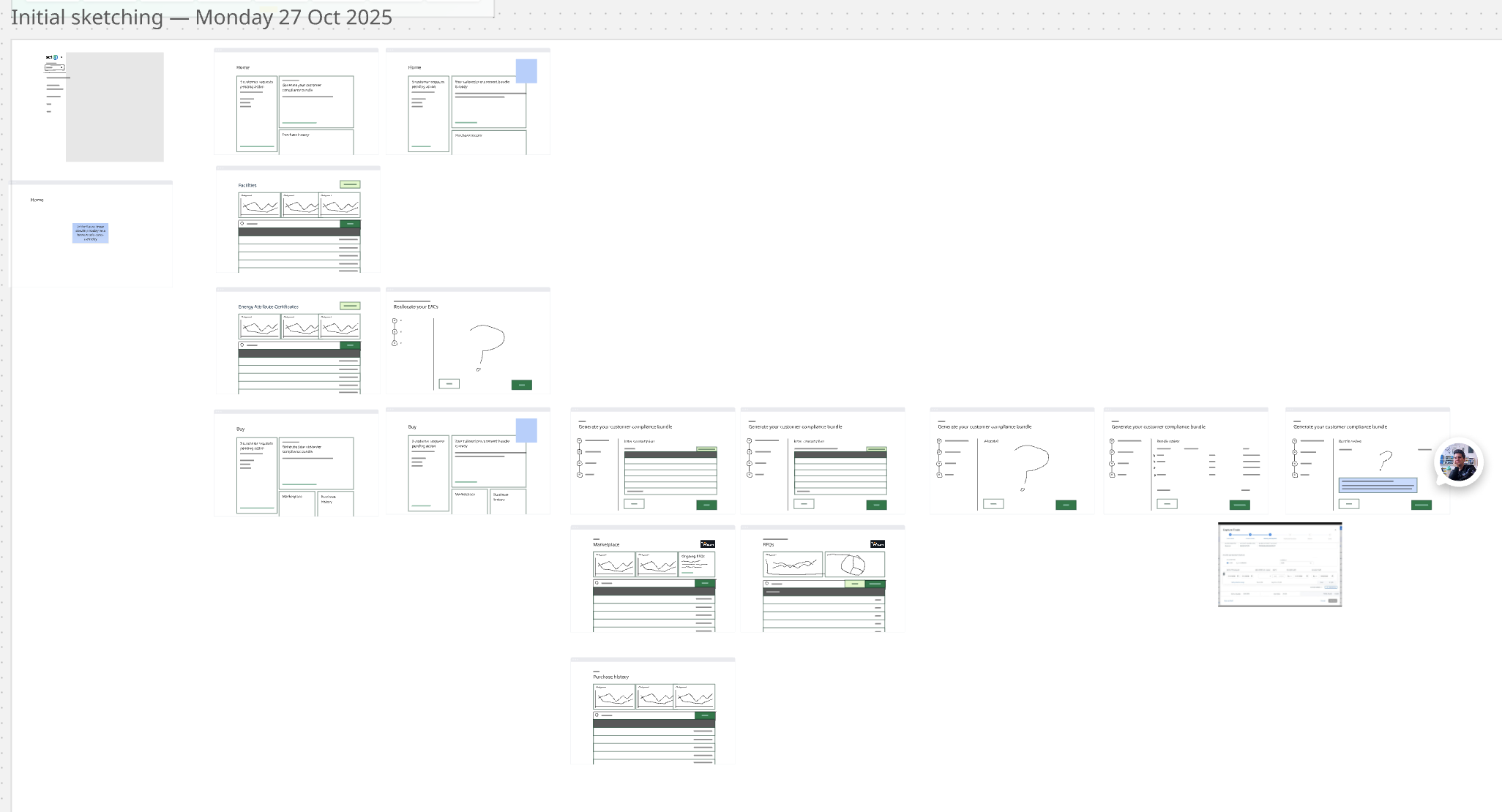
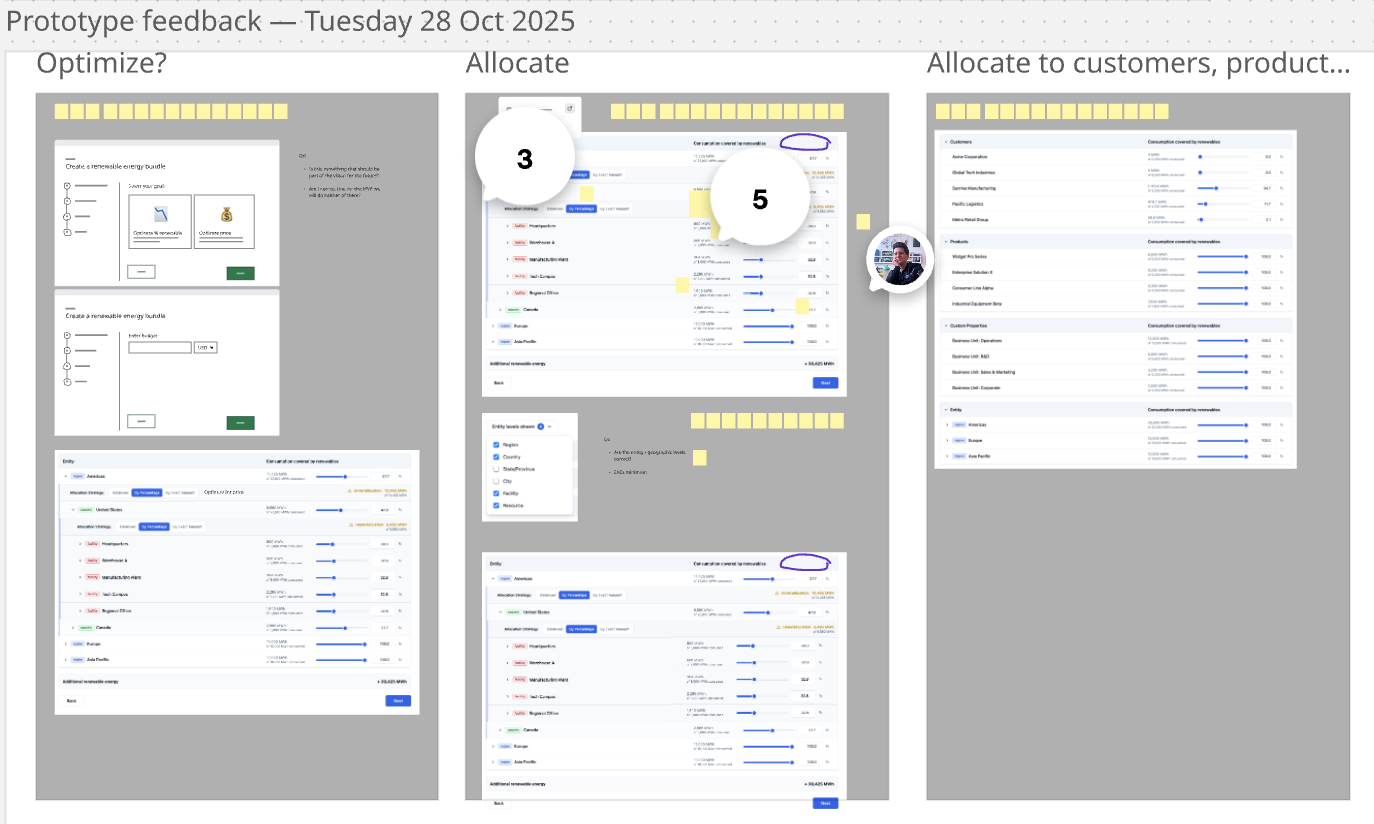
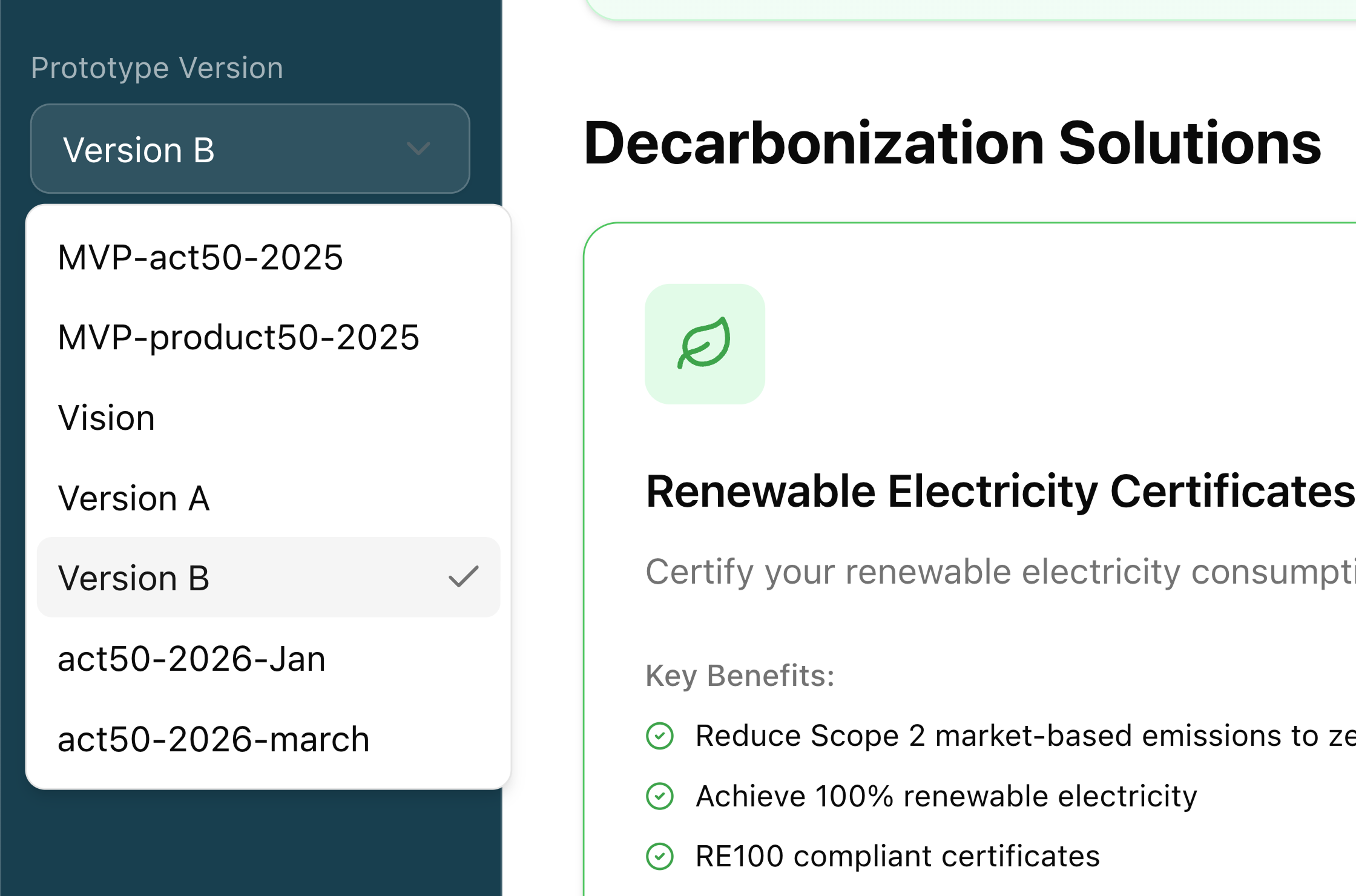
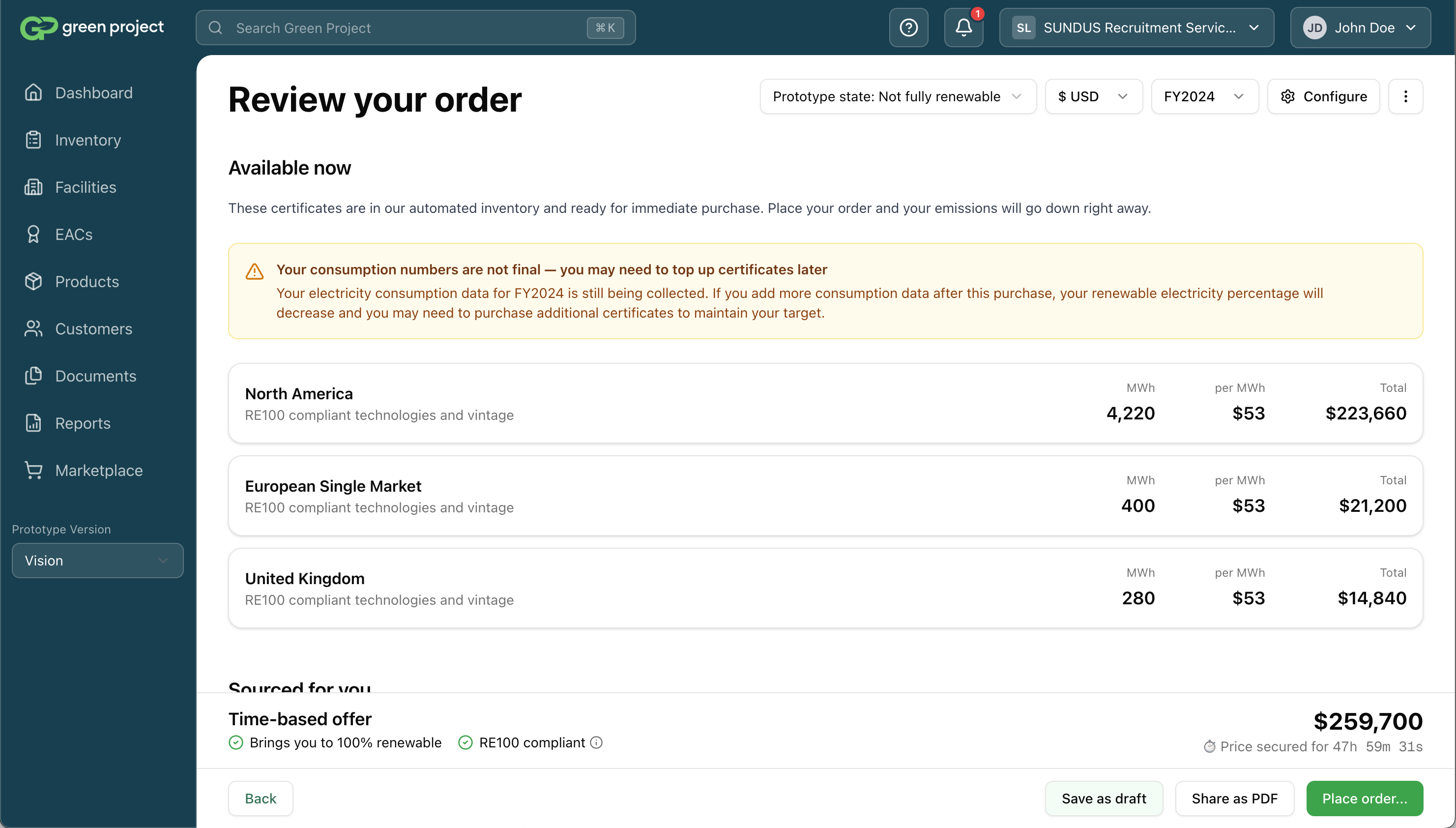
I translated the workshop output into a UX vision in Miro, aligned stakeholders on it, then built a live-coded prototype to bring it to life. The prototype included a version dropdown — letting anyone switch between the full long-term vision and the scope for each slice. One artifact that held both the ambition and the plan, and made the distinction between them impossible to misread.
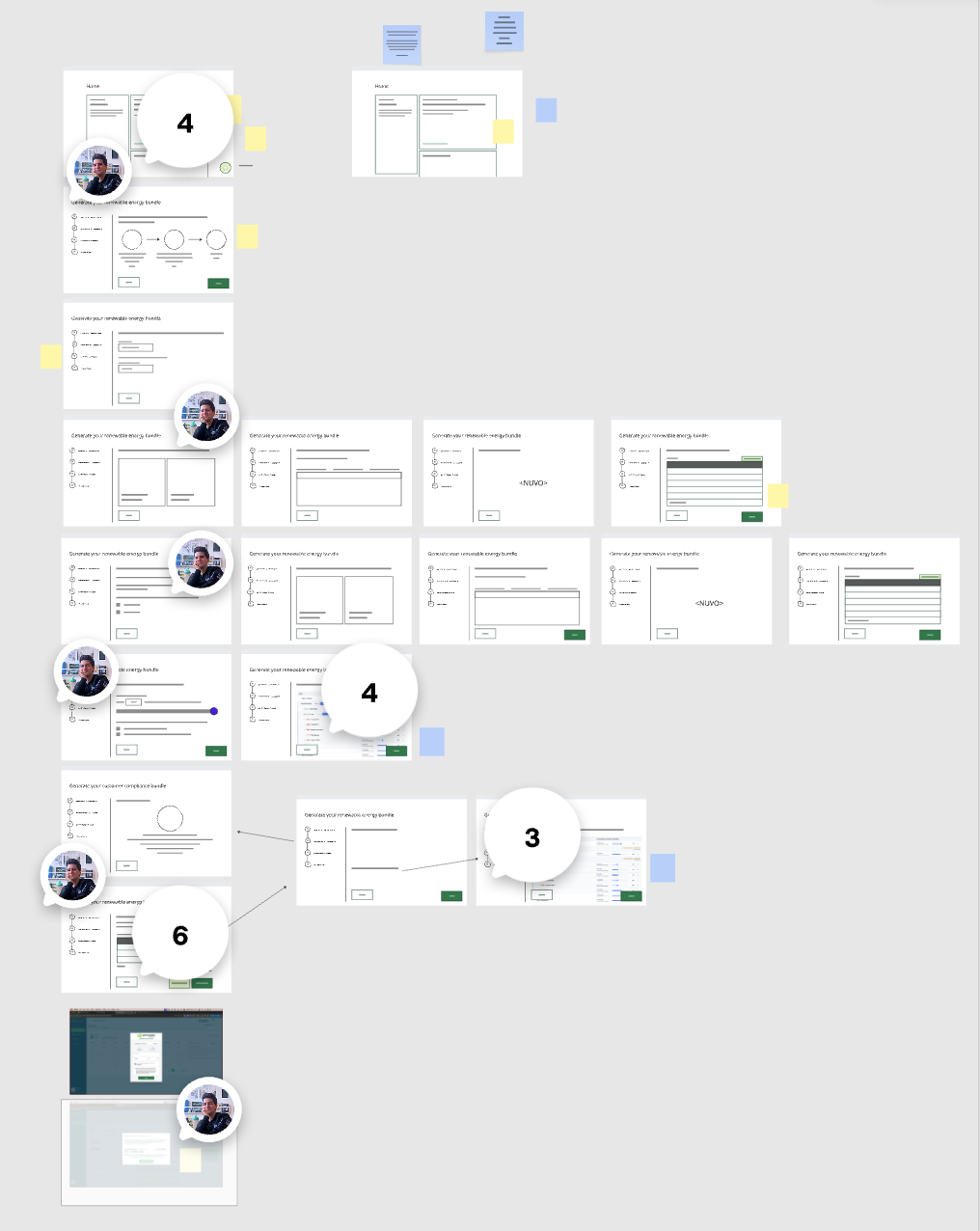
Rather than jumping to solutions, I explored divergent directions and pressure-tested them with the team. The result was a shared UX direction covering both what we'd ship in slice 1 and how the product would evolve — including a Marketplace page I proposed, anticipating future commodities. The co-founder pushed for it to be included in slice 1 for its sales and partnership value.
De-risking the hardest decision
I identified the highest-risk UX area and resolved it through structured user testing
The bundle configuration controls were the highest-risk interaction in the design. I designed a few competing directions, prototyped them, and ran a user test with task-based scenarios. Direct manipulation won: more intuitive, more visual, giving users immediate transparency over what their choices would produce.
Handoff
I handed over a prototype, not a Figma file — a first for the US team, and the right call
The US design system was in poor shape — not built by a designer, and with an uncertain future. I made the case to the PM and tech lead to skip Figma entirely and hand over the coded prototype directly, with state dropdowns to explore UI variations. Engineers used their judgment on components; I did a light feedback pass. The bet paid off — the US design system is now being replaced with IBM Carbon.
Outcomes
Higher conversion, an aviation partnership, and a US team that now trusts me to lead
Aviation partnership
Closed using the Marketplace as a sales and partnership tool
Scales to new commodities
Architecture designed for future expansion beyond RECs
More intuitive than v1
The experience is on rails with low cognitive load.
Self-running
PM follows the design direction without needing ongoing input
Cross-team trust earned
US team went from strangers to full confidence in design leadership